What does the free version include?
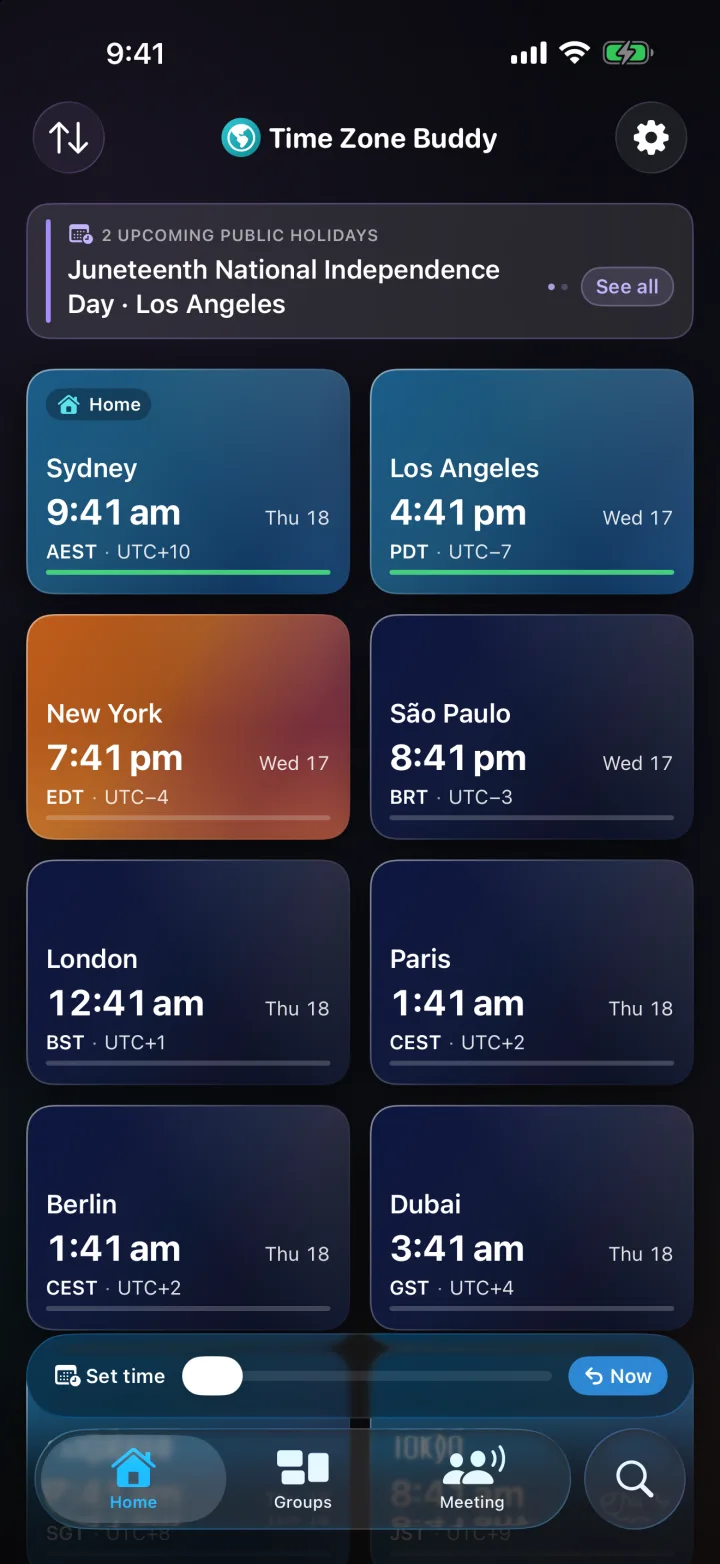
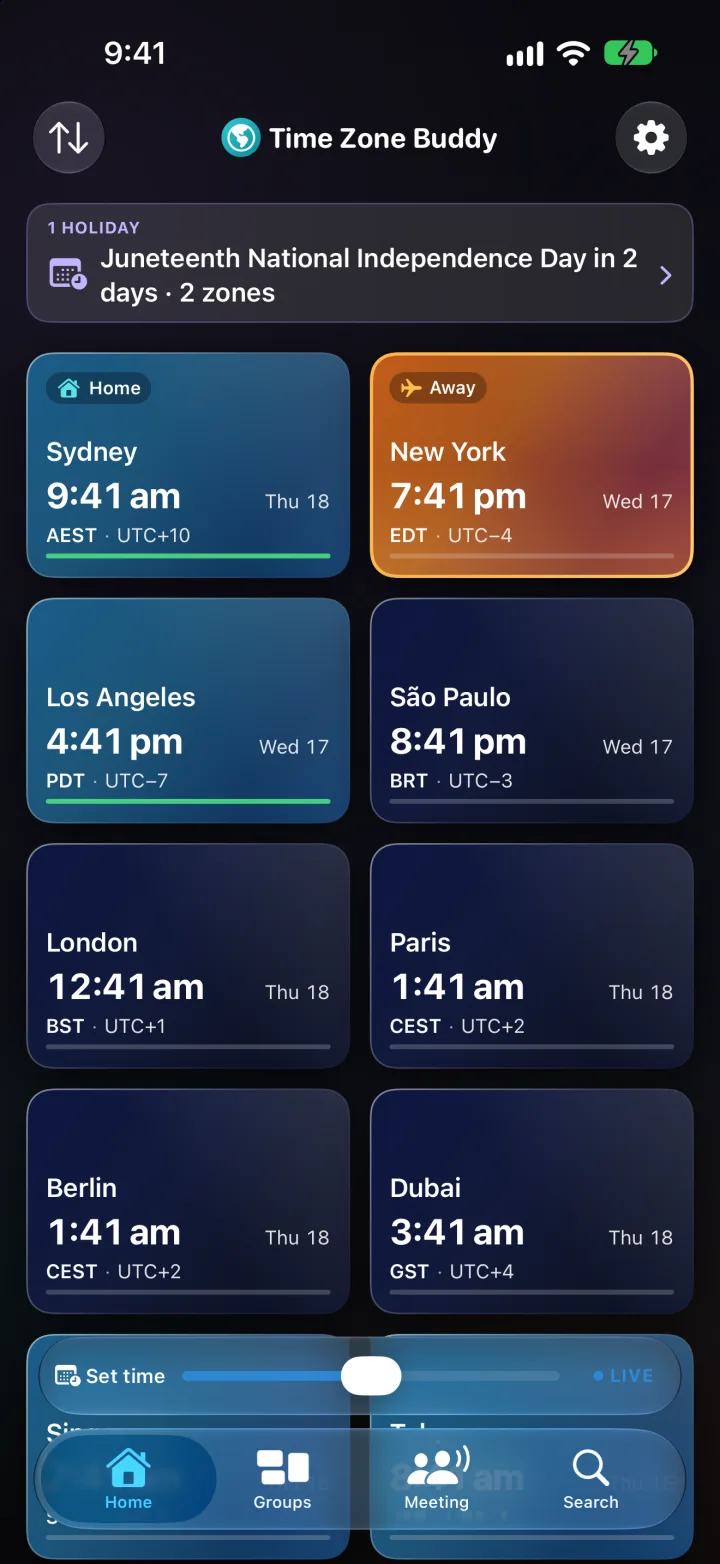
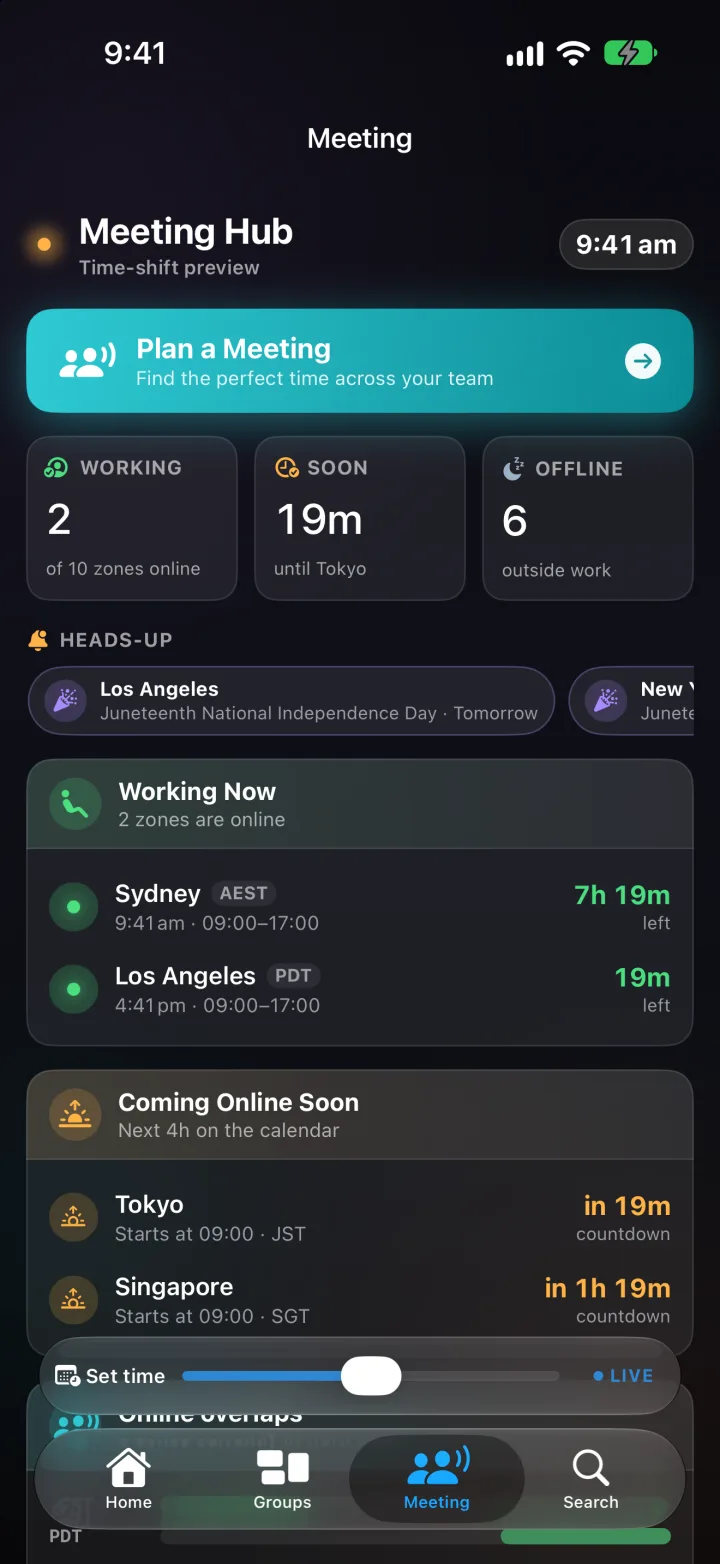
Up to 5 time zones, daylight-aware cards and the city view, the time-shift planner, Best Time to Call, and Travel Mode. Your Home city's public holidays, season and market hours are free, and every city's clock changes are free for the next 30 days in Heads-up. The free widgets are Home & Away, Single Zone, Multi-City (2 cities), Heads-up, the circular Lock Screen clock and StandBy, and the Apple Watch app is free with the round complication. Groups, Meeting Overlap, the full year in Heads-up, other cities' holidays, seasons and markets, clock change notifications, exports, the other Lock Screen and watch sizes, the Smart Stack card and the Meeting Hub widget need Lifetime or Plus.
Is it on Apple Watch and Mac?
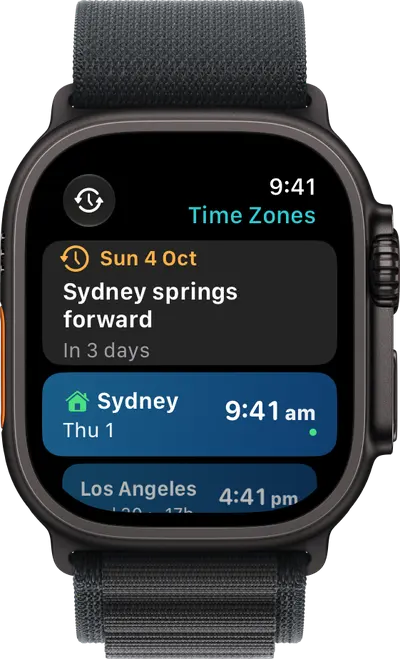
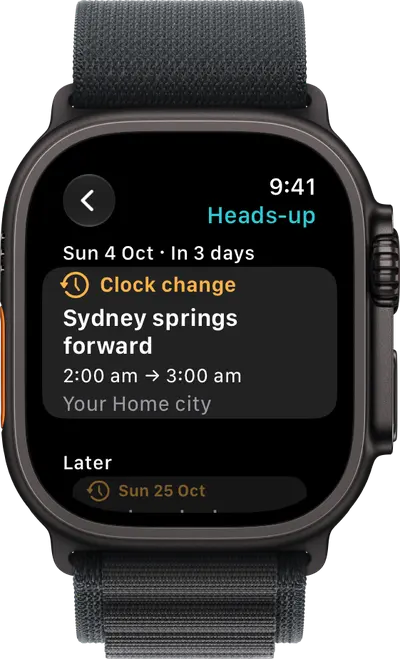
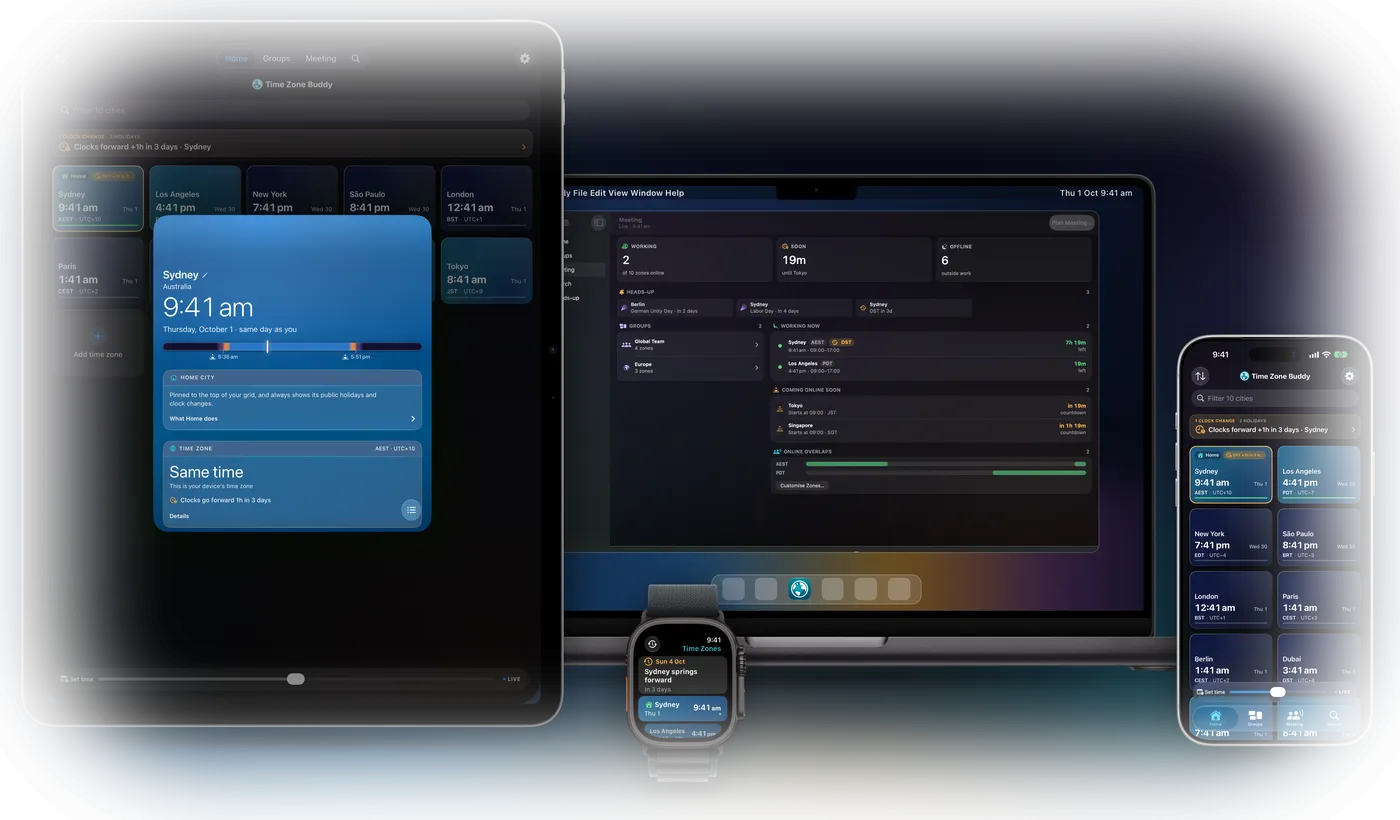
Yes. The Apple Watch app shows your iPhone's cities on your wrist, with complications and a Smart Stack card, and Heads-up and a city's season are on the watch too. The app and the round complication are free. On the Mac, every city is one click away in the menu bar, with who's working and what's coming up. One purchase of Plus or Lifetime unlocks it on iPhone, iPad, Apple Watch and Mac.
What is Heads-up?
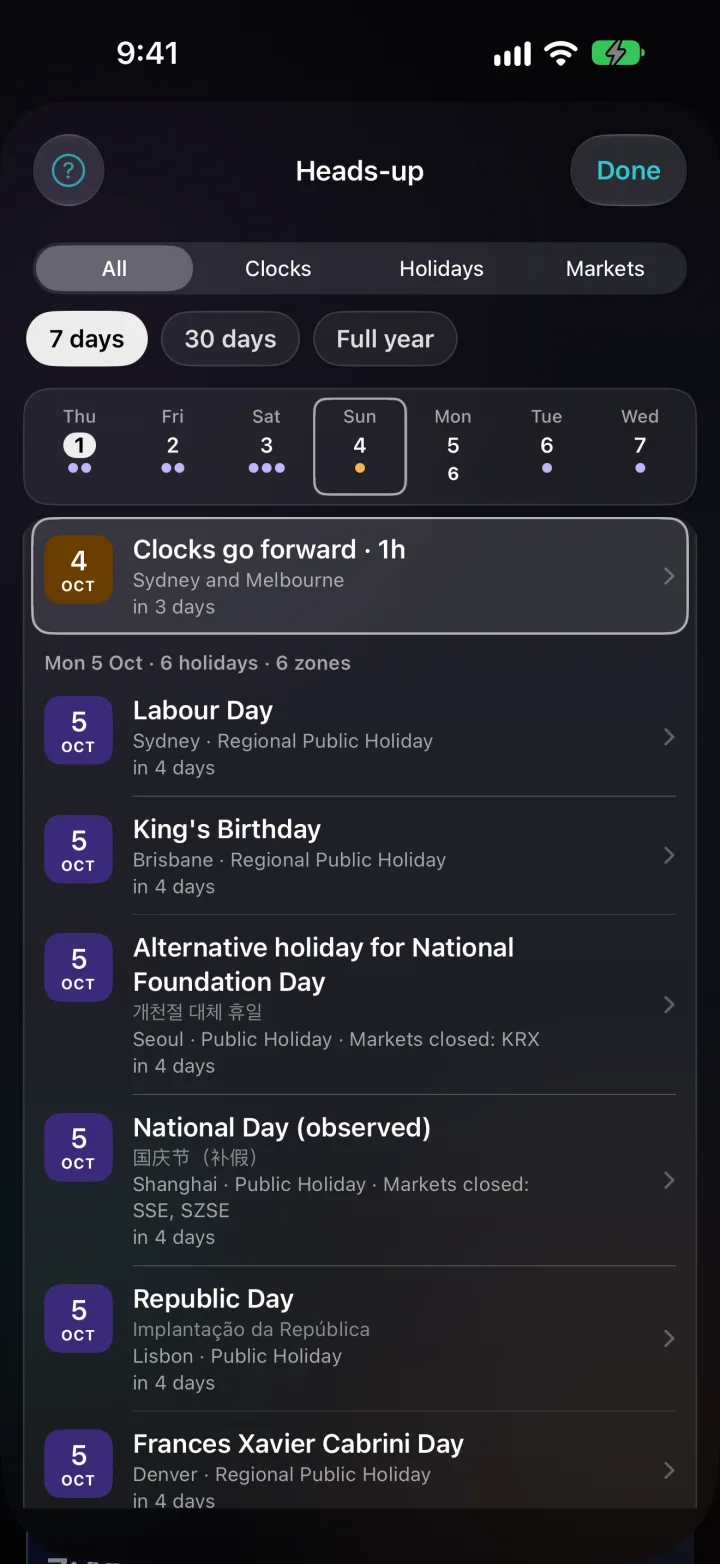
One timeline of clock changes, public holidays and market closures across your cities: the next 7 days, 30 days or the full year. A dot marks each day that has something on, and a tap jumps to it. Every city's clock changes are free for the next 30 days, with your Home city's holidays. Plus and Lifetime show the whole year for every city and add clock change notifications a week before, the business day before, on the day and the business day after, all scheduled on your device. The Heads-up widget shows the next two weeks on your Home Screen and on Apple Watch.
What are Seasons?
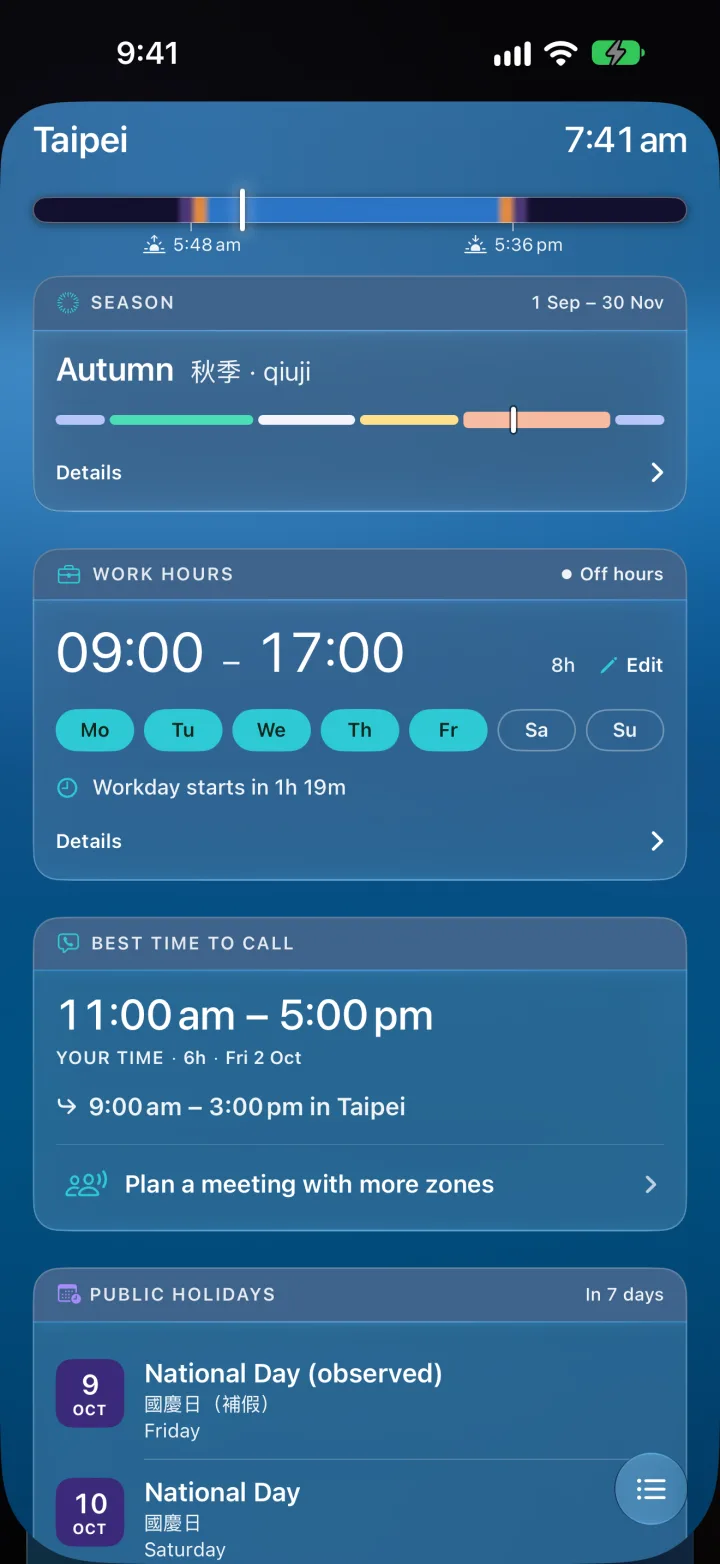
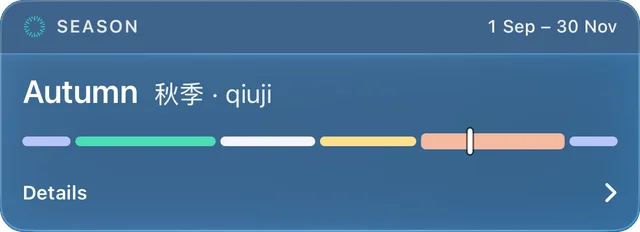
A city's page shows the season there, counted the way people in that country count it, with the local word where there is one and the whole year at a glance. Taipei counts five seasons and Darwin two. Press and hold the bar to see any day. Your Home city's season is free; Plus and Lifetime show every city's.
What is Lifetime? Is it really a one-time purchase?
Yes. Lifetime ($39.99 AUD) unlocks every feature except iCloud Sync with one purchase: no subscription and no renewal. It covers iPhone, iPad, Apple Watch and Mac, and it is yours to keep.
What does Plus include that Lifetime doesn't?
iCloud Sync across your iPhone, iPad and Mac, Family Sharing on the Annual plan (up to 5 family members), and early access to new features. Sync is a service that runs all the time and needs ongoing work, so it is the one feature that belongs with a subscription. Lifetime owners who want it can add iCloud Sync on its own for $1.99 AUD a year.
Is my data private?
Yes. Your cities, groups and settings stay on your device. There are no accounts and no servers of our own. Public holidays are built into the app, so nothing about your cities is sent to show them. The app uses only anonymous, aggregate analytics (via Firebase) to understand which features are used; it is never linked to your identity and never sold. If you turn on iCloud Sync (Plus, or Lifetime with the add-on), your data is stored in your own iCloud account, not ours.
What is Meeting Overlap?
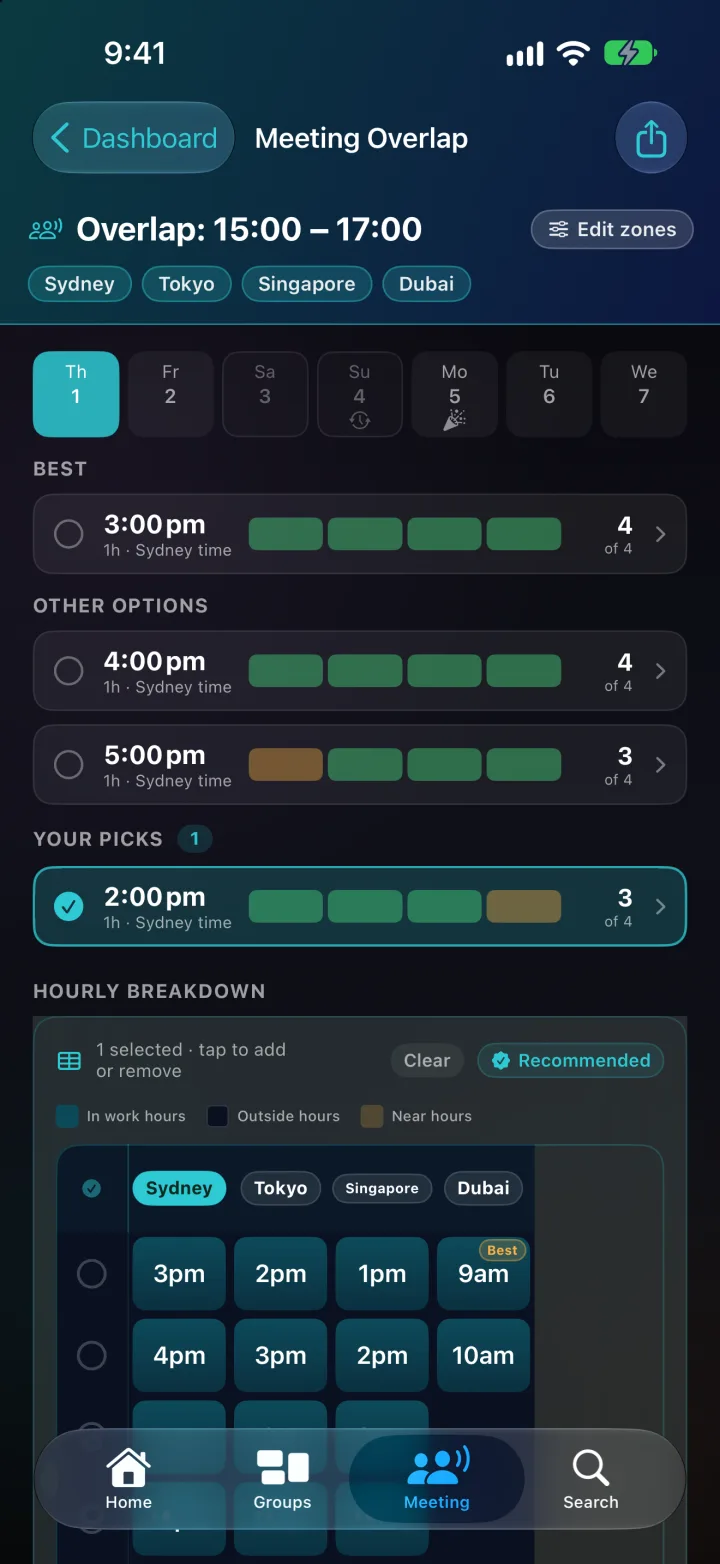
Meeting Overlap finds the best time to meet across any number of time zones. Times read on your own clock and you are counted in; tap You to leave yourself out. Options are ranked so everyone stretches a little rather than one person taking all of it, and someone asleep never counts as free. Days off, public holidays and clock changes are flagged before you book, and each group gets one line saying when everyone is free. Requires Lifetime or Plus.
Where do the public holidays come from?
Public holidays for about 250 countries and territories are built into the app, so they work offline, with state and regional holidays in 35 countries. Dates that follow the moon are marked Estimated. Holiday data is from the Open World Holidays Framework (Vacanza Team, MIT). If you see something wrong, use Report a problem on the city's page.
Does it show stock-exchange hours?
Yes. Market hours shows when 27 stock exchanges open, close early or shut for a holiday, in your own time. It is a trading calendar built into the app, not real-time market data and not financial advice. Your Home city's exchanges are free; Lifetime and Plus show every exchange.
Does Time Zone Buddy work with Siri and Shortcuts?
Yes. Ask Siri for the time in a city, whether a city is in work hours, or its next public holiday. Three App Shortcuts appear in Siri, Spotlight and the Shortcuts app: “Plan a meeting in Time Zone Buddy”, “Add a time zone in Time Zone Buddy” and “Show Heads-up in Time Zone Buddy”.
Does Time Zone Buddy have widgets?
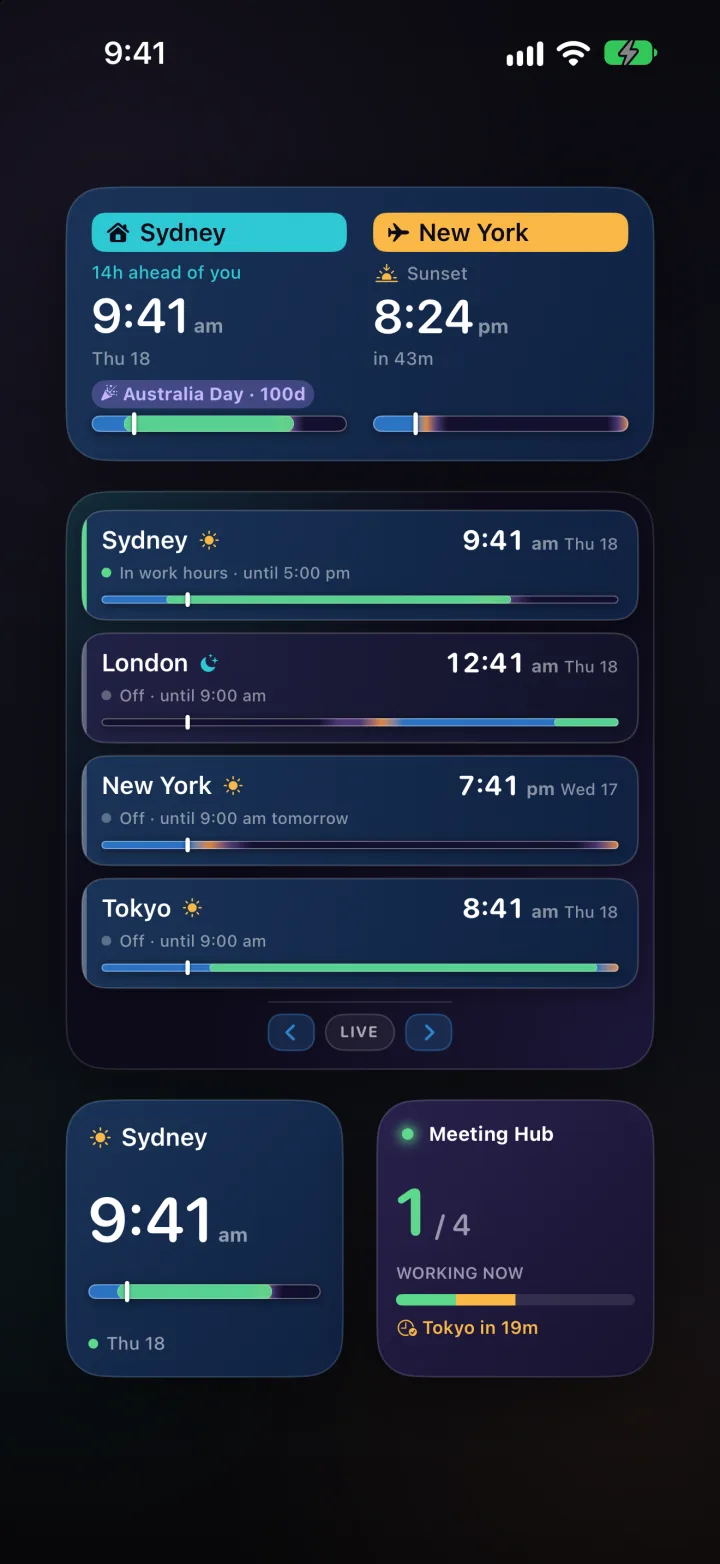
Yes. Home & Away, Single Zone, Multi-City (2 cities), Heads-up, the circular Lock Screen clock and the StandBy bedside clock are free. Lifetime and Plus add the inline and rectangular Lock Screen clocks, Multi-City with up to 6 cities, and the Meeting Hub widget. On Apple Watch the round complication is free; Lifetime and Plus add the others and the Smart Stack card.